
1
The tablet
Install TruckDeck on an Android 7.0 or newer phone or tablet. Open the app when you are ready to connect.
Android companion app
A configurable tablet dashboard for PC truck and coach sims.
Compatible with Euro Truck Simulator 2 and American Truck Simulator.
The Google Play link will appear here when the app is available in production. Version 1.0 has no account, no ads and no in-app purchases. Your tablet and your PC talk only on your own local network.
What it is
TruckDeck turns a spare Android tablet into a live dashboard and button panel for PC truck sims. It is not a standalone game.
A small companion, TruckDeck Bridge, runs on your Windows PC. Gauges use live telemetry from the sim. Lights, indicators, the parking brake and other controls are at your fingertips — from the tablet, not the keyboard. The editor is fully configurable, including for coaches and buses. Version 1.0 does not include a ready-made coach or bus dashboard.
How it works
Install TruckDeck on an Android 7.0 or newer phone or tablet. Open the app when you are ready to connect.
Install the free TruckDeck Bridge on a Windows 10 or 11 PC on the same Wi-Fi network. Start it and enter the address and the 4-digit PIN shown in the Bridge window.
Start the sim on that PC and drive. The Bridge reads live telemetry and sends your button presses to the game. Keep the Bridge window open while you play.
Features
Speed, gear, fuel and other readouts use live telemetry from the sim.
Change a button’s function, pictogram, size and colour, and save separate positions for portrait and landscape.
The editor is fully configurable, including for coaches and buses. Version 1.0 does not ship a ready-made coach or bus dashboard.
No account, no ads and no in-app purchases in version 1.0. Nothing is sent to us. The tablet and the PC talk only on your local network.
Version 1.0 dashboards
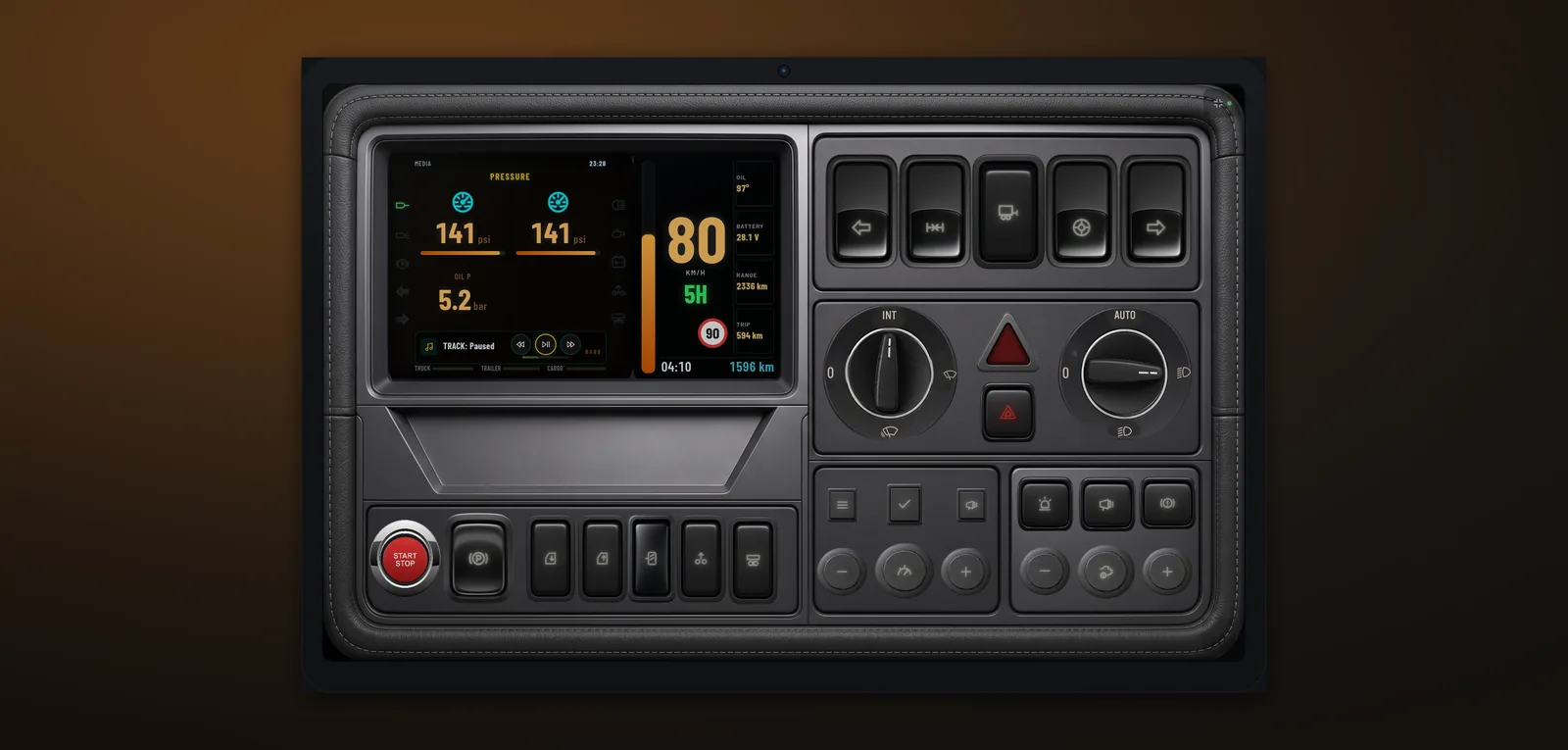
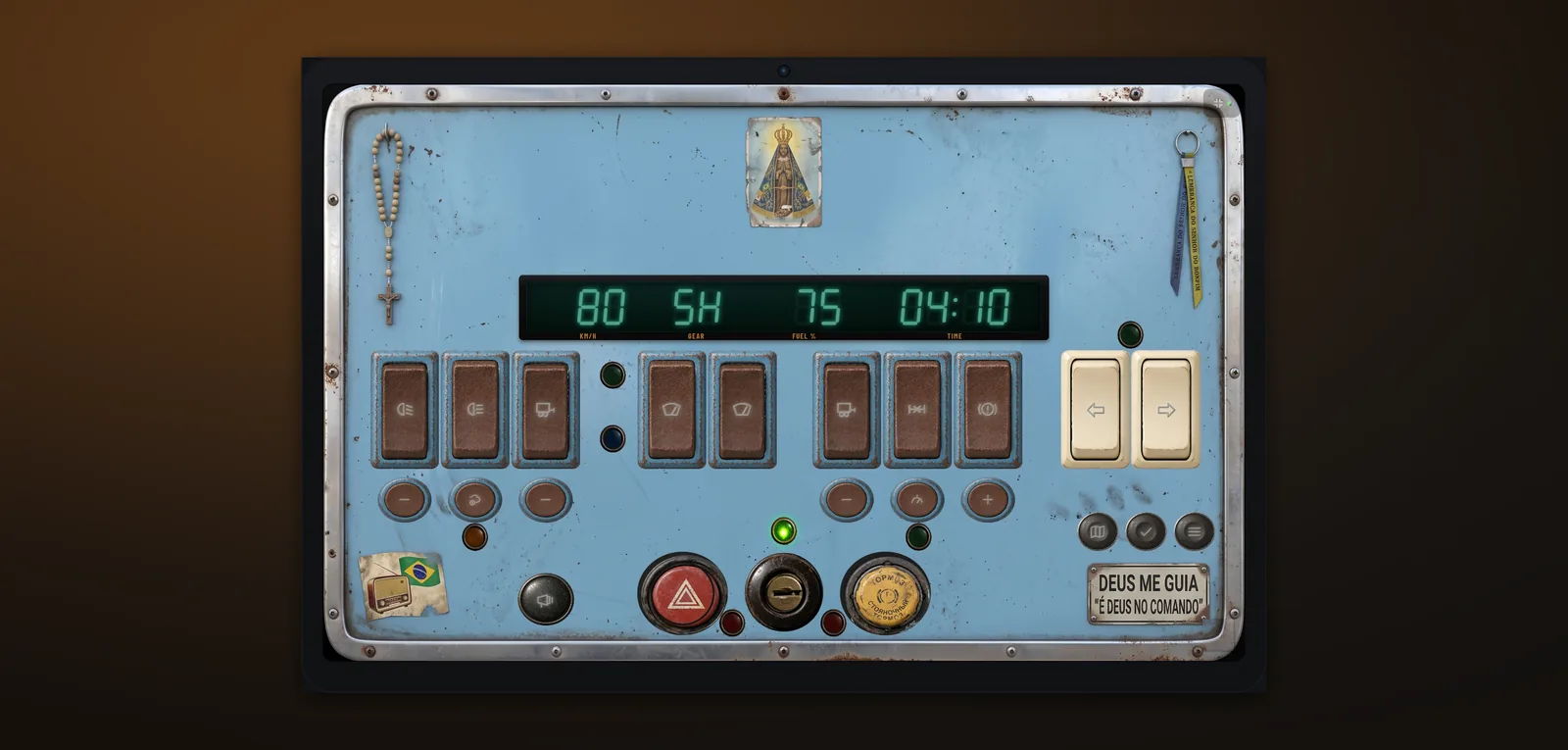
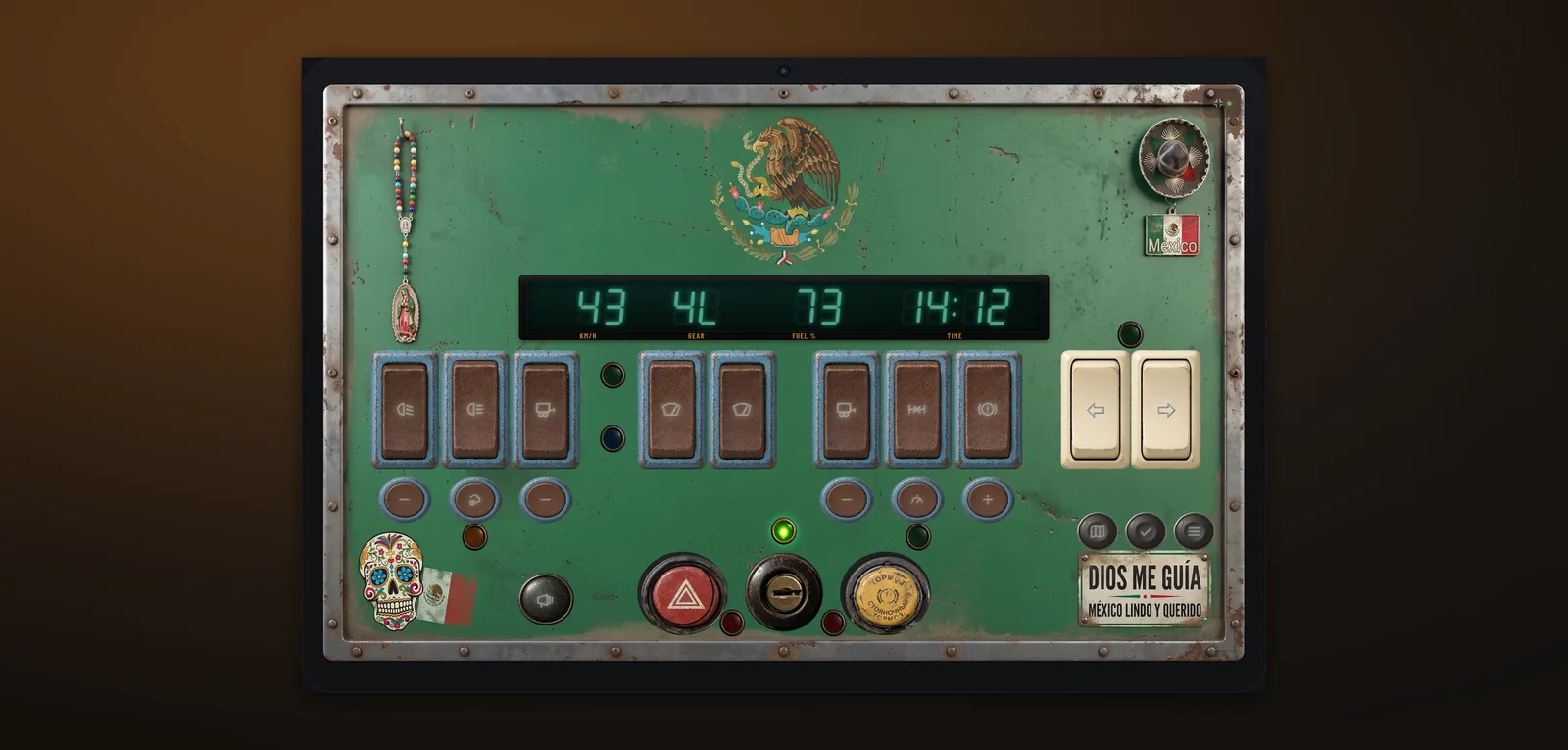
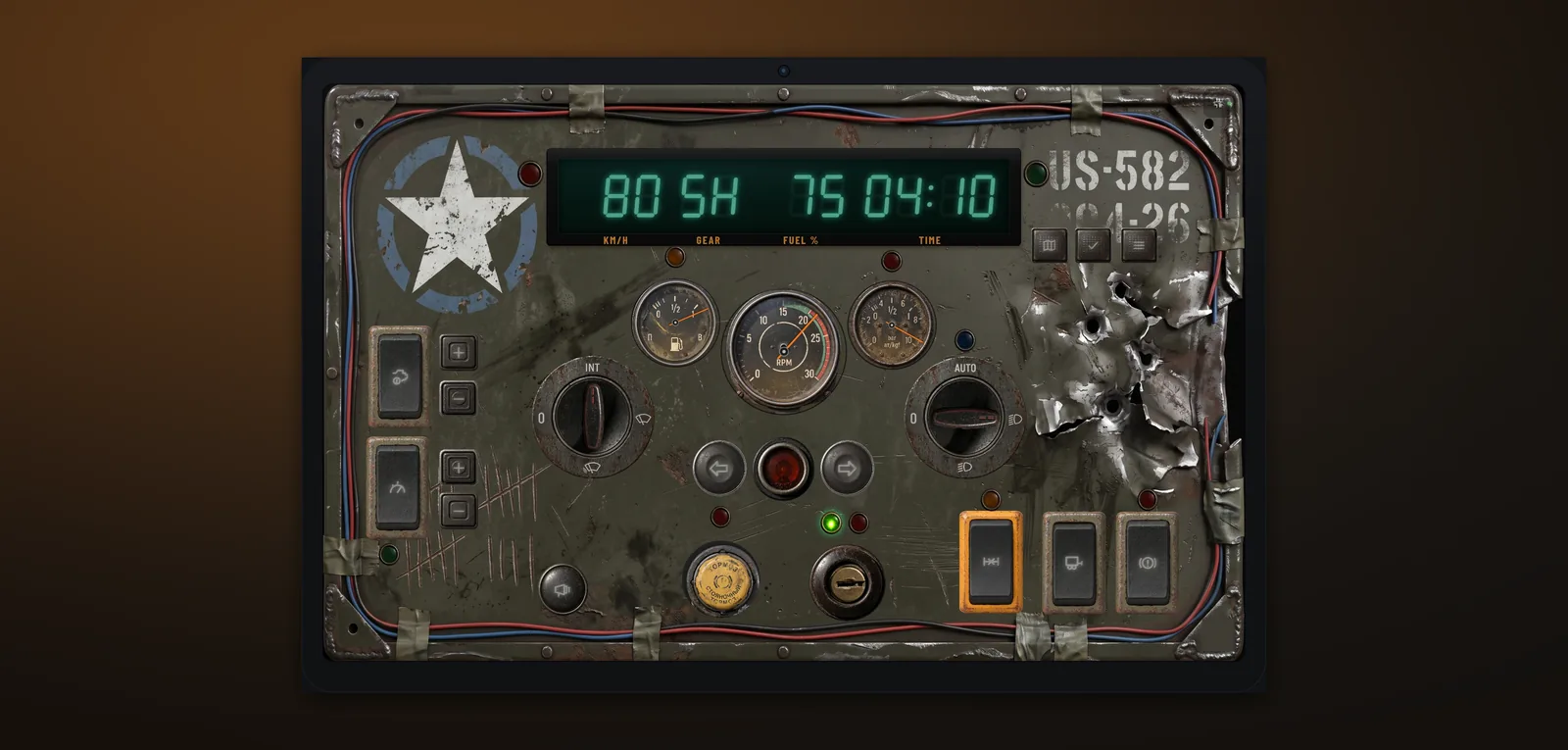
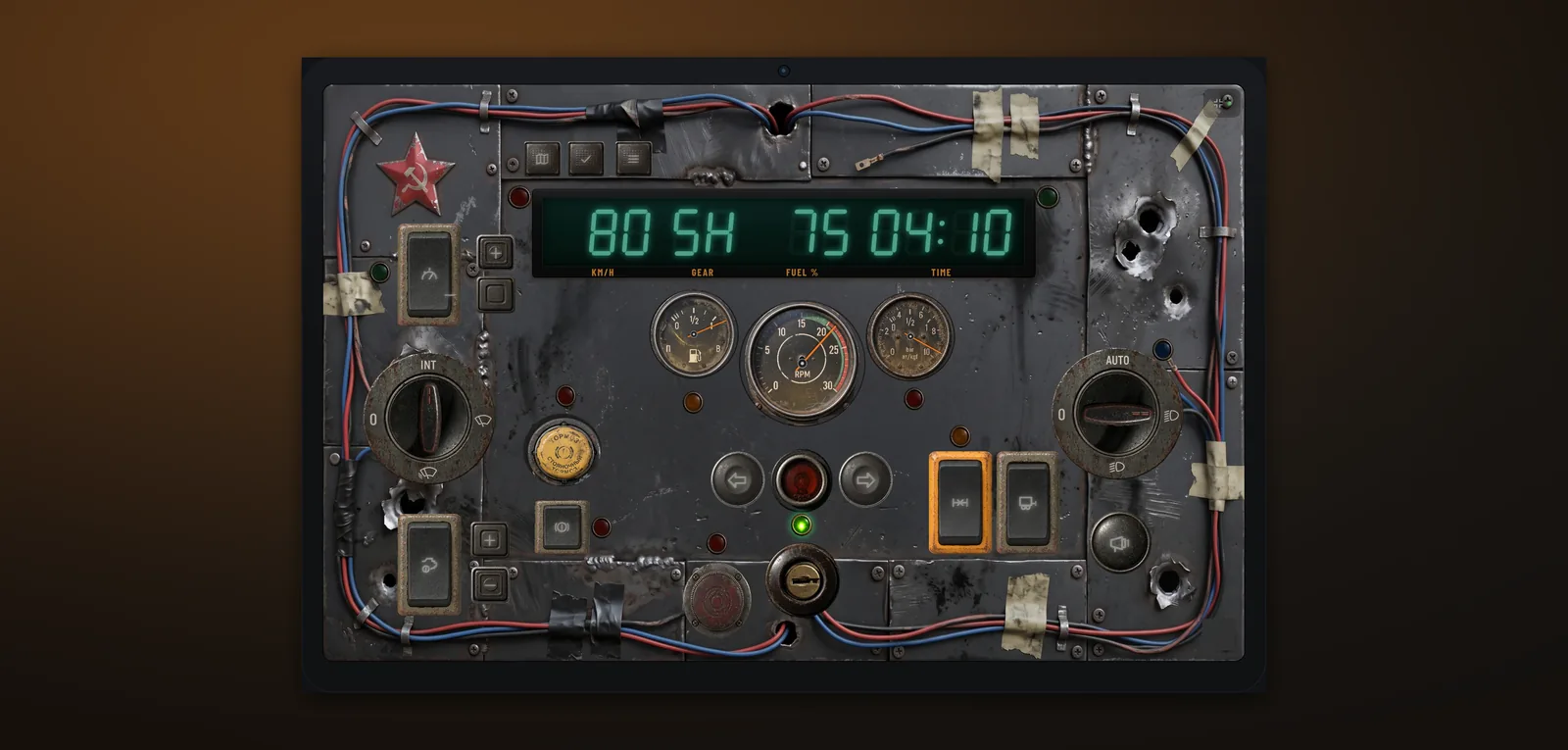
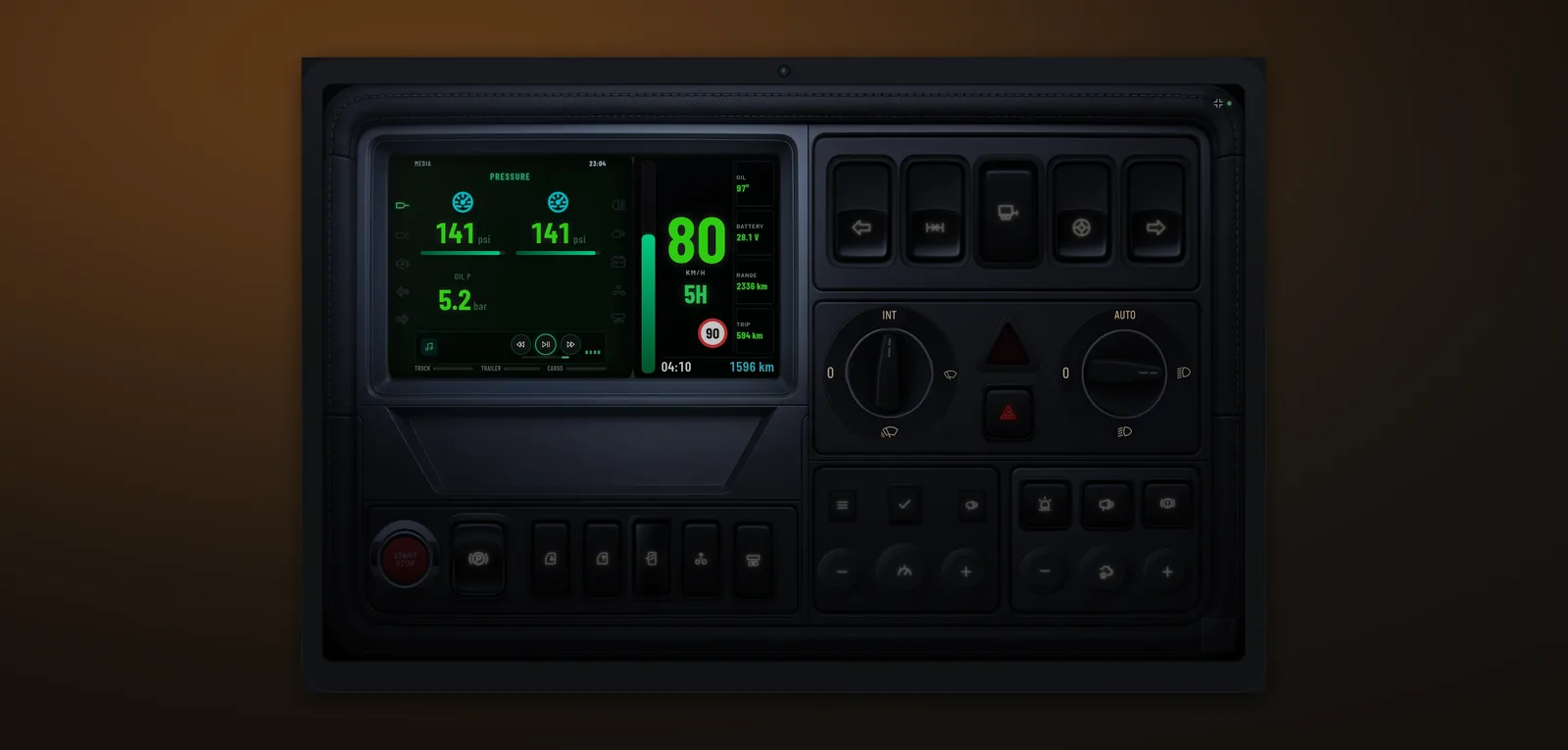
Version 1.0 includes two dashboards: Modern and Soviet. Soviet backgrounds in this version are White, Military 1, Military 2, Siga Bem and Viva México.
A contemporary cabin layout with a live instrument display and configurable buttons.
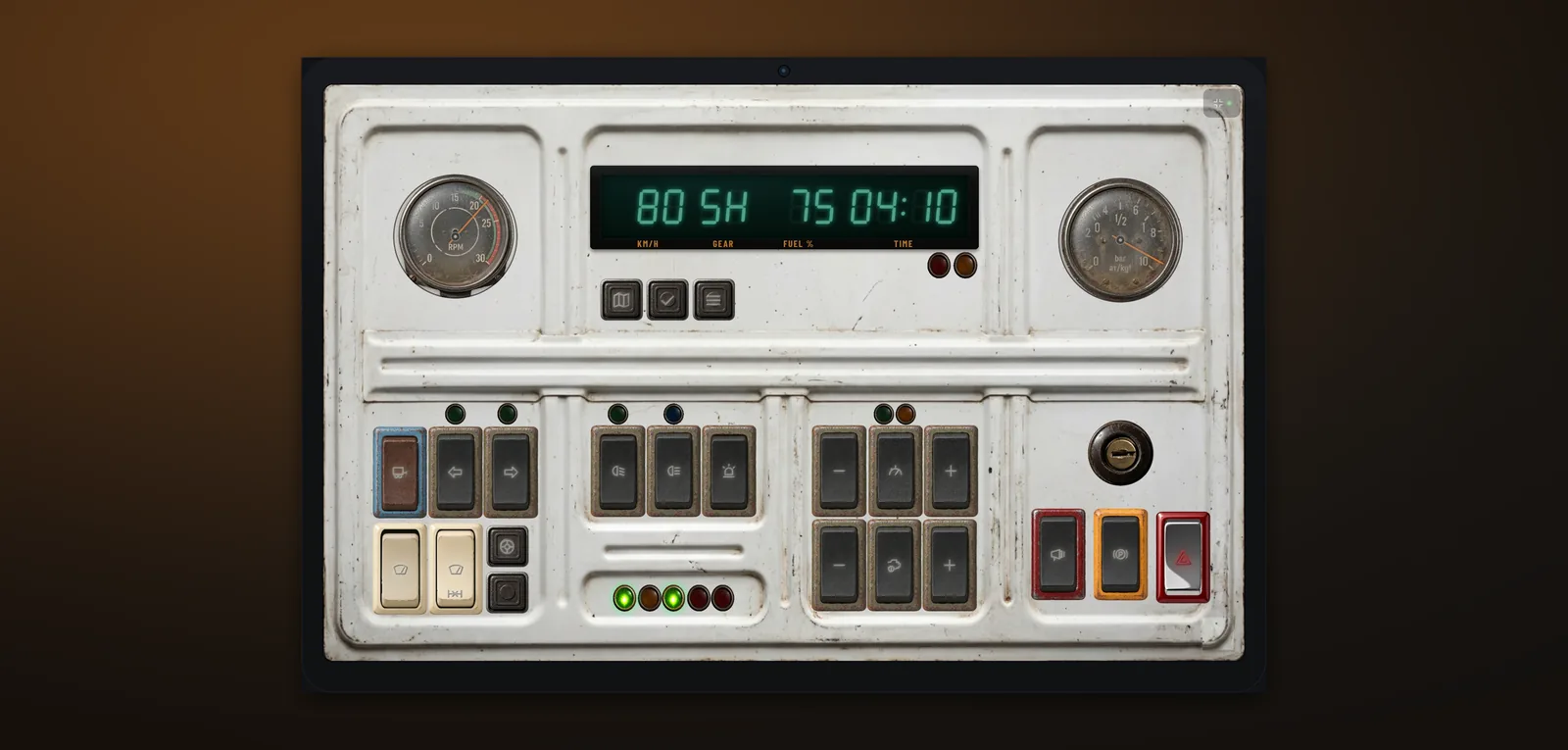
A worn analogue layout. One of five Soviet backgrounds in version 1.0.
TruckDeck Bridge
TruckDeck Bridge runs on your Windows 10 or 11 PC, reads live telemetry from the sim and sends your button presses to it.
File: TruckDeckBridge-1.0.0.zip — 196,349,270 bytes (about 187 MB). The official download will be published at download.madfrog.ie. Check the SHA-256 checksum with Get-FileHash before you run it.
FAQ
No. Version 1.0 has no account, no ads and no in-app purchases. You connect with the address and the 4-digit PIN shown in the Bridge window.
No. TruckDeck is not a standalone game. The Android app works only when connected to TruckDeck Bridge on a Windows 10 or 11 PC on the same Wi-Fi network.
No. The Bridge uses plain HTTP (no TLS) on port 8765 and is meant for a network you trust. Nothing is sent to us or to the internet. Do not expose port 8765 to the internet.
Version 1.0 does not include a ready-made coach or bus dashboard. The editor is fully configurable, including for coaches and buses.
The app is sold on Google Play today. When direct sales open on this site, we will email the waitlist. There is no checkout here yet.
We'll only email you when direct sales open. See our Privacy Policy.